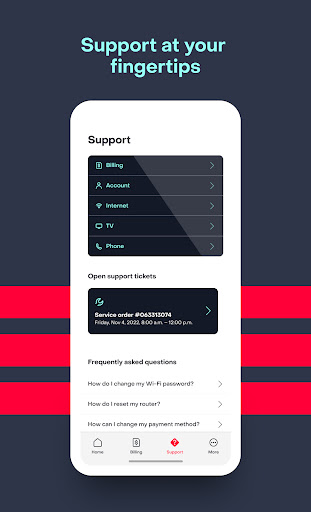
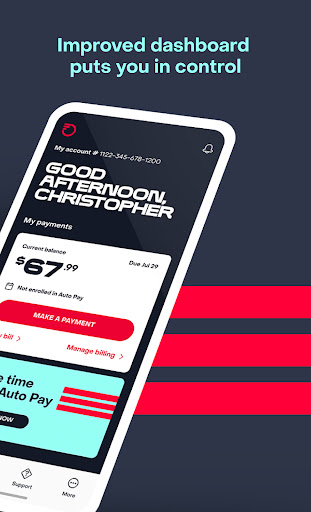
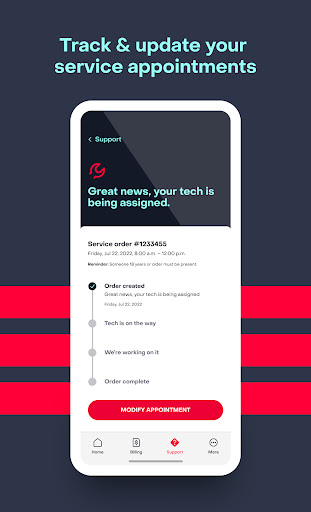
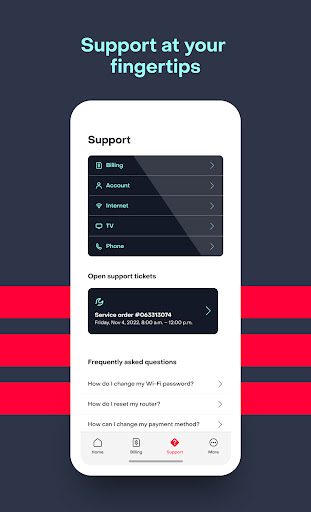
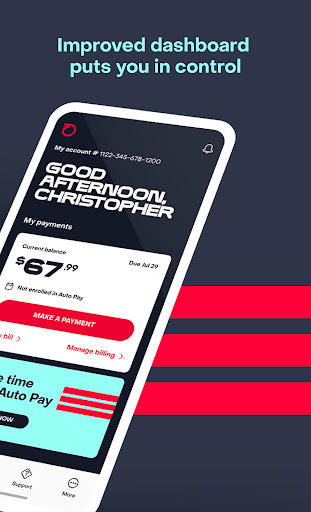
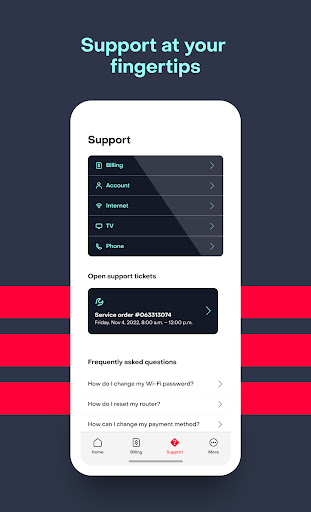
With our simple, user-friendly MyFrontier app, it’s easy to manage your Frontier account on the go! The MyFrontier app lets you view/pay bills, see past billing statements and payments, and make changes to your account and notification settings. More self-service options allow you to modify service appointments, troubleshoot issues, and get real-time updates by connecting directly to your technician with two-way messaging.
The MyFrontier app also gives quick access to support topics in our Help Center and contact features like call-back assist at your fingertips.
The app is a must-have for customers of:
Do more with your account from your smartphone or tablet with these easy-to-use tools and features!
Account Settings:
Billing and Payments:
Troubleshooting:
We are continuing to enhance the MyFrontier app to make it your primary Frontier self-service tool.