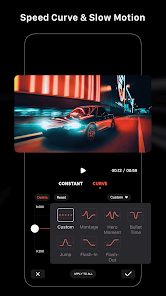
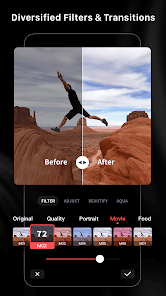
1. Time Efficiency: LightCut automates video editing, significantly reducing the time required to create polished videos, allowing users to focus on content creation rather than post-production.
2. User Friendly: The application offers an intuitive interface that is easy for beginners to navigate, making professional-quality video editing accessible to users of all skill levels.
3. Smart Editing Features: It utilizes AI to analyze footage and make intelligent editing decisions, including scene transitions, music synchronization, and clip trimming, resulting in a cohesive and engaging final video.
1. LightCut may have limited advanced editing features compared to professional software, restricting creative control.
2. Users may experience occasional slowdowns or crashes, especially when handling larger video files or high-resolution content.
3. The application may require a stable internet connection for optimal performance, reducing accessibility in offline scenarios.