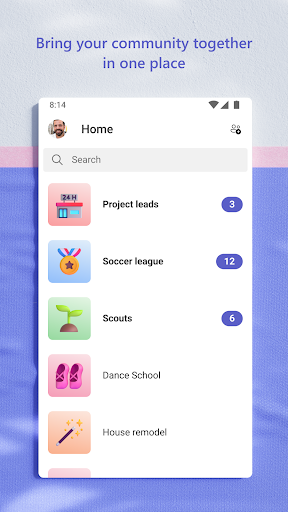
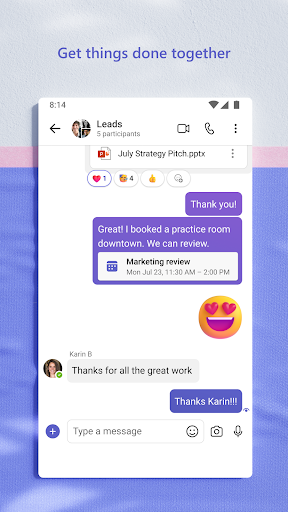
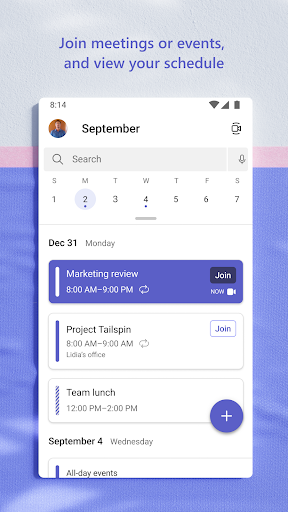
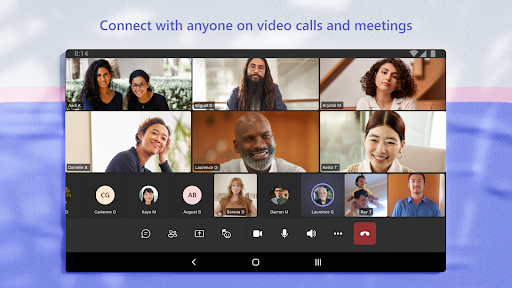
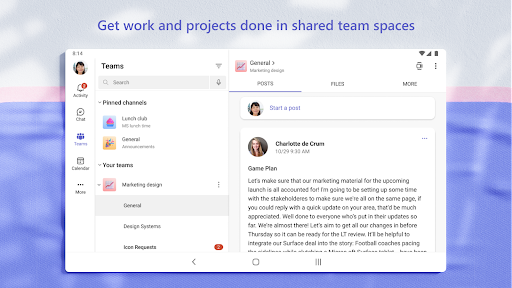
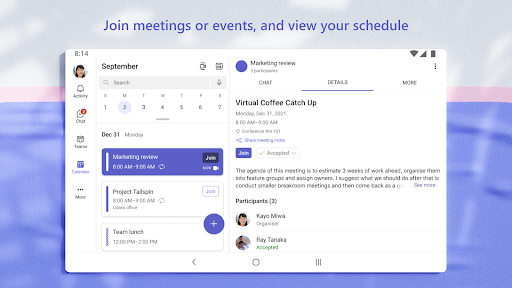
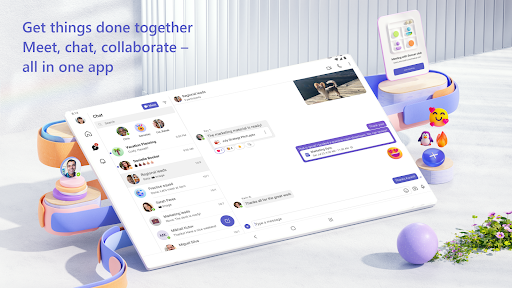
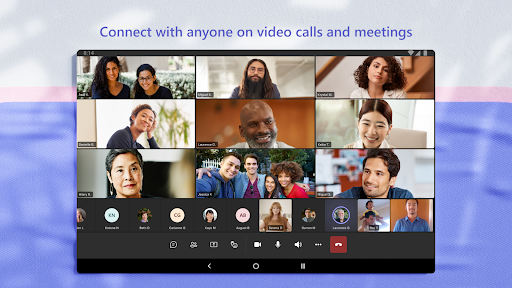
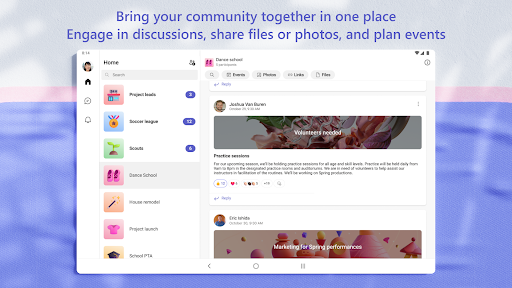
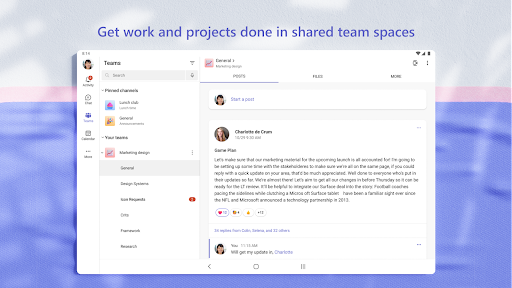
Microsoft Teams is a collaboration platform that brings together chat, video meetings, file sharing, and productivity tools in one place. It is widely used by organizations for real‑time communication and teamwork across devices.
Microsoft Teams introduces new AI features and calling enhancements, including Copilot file summaries that let you view quick context without opening documents, faster emoji insertion using :emoji name:, podcast-style audio recaps for meetings, Intelligent recap for recorded or transcribed calls, Teams Phone Mobile support for AT&T customers using a single number across devices, quicker feedback submission on certified Teams Phone devices with suggested prompts, and an improved call transfer interface with a Consult first option and clearer in-progress and completion updates.
1. Seamless integration with Microsoft 365 tools like Word, Excel, and OneDrive.
2. Reliable video conferencing with features such as screen sharing and meeting recording.
3. Strong team organization through channels, shared files, and persistent chat.
1. Can feel slow or heavy on older devices.
2. Notifications may become overwhelming in large teams.
3. Occasional sync delays for messages and files.
Yes, there is a free version with limited features, while the full version requires a Microsoft 365 subscription.
Yes, you can join meetings via a browser without signing in.
Yes, Microsoft Teams has apps for both iOS and Android, supporting chat, calls, and meetings on the go.