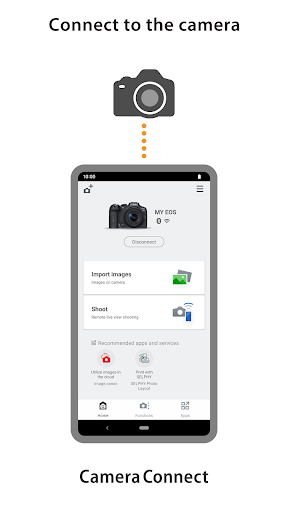
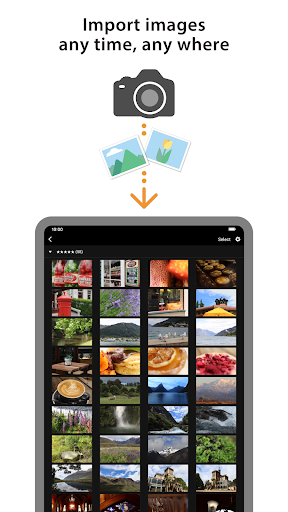
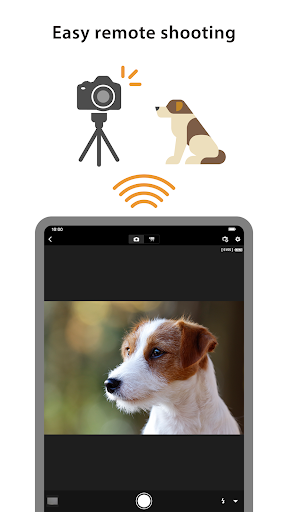
Canon Camera Connect is an application to transfer images shot with compatible Canon cameras to smartphone/tablet.
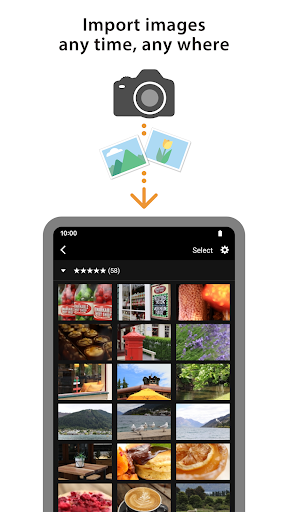
・Transfer and save camera images to a smartphone.
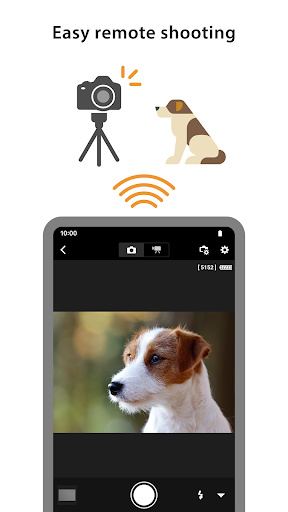
・Remote shoot with live view imaging of the camera from a smartphone.
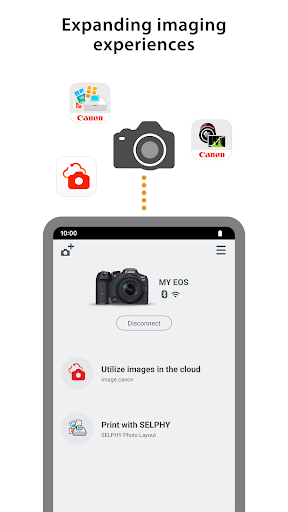
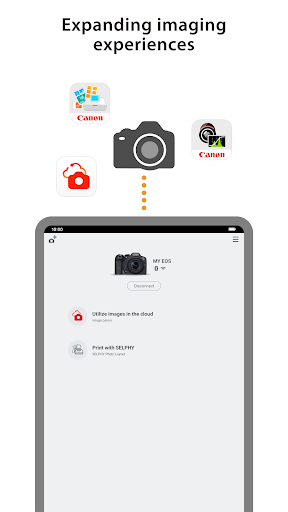
This application also provides the following features for compatible cameras.
・Acquire location information from a smartphone and add it to the images on the camera.
・Switch to a Wi-Fi connection from pairing status with a Bluetooth enabled camera (or from touch operation with an NFC enabled camera)
・Remote release of the camera shutter with a Bluetooth connection.
*For compatible models and features, please refer to the following website.
https://global.canon/cca/
・Android 5.0-5.1/6.0/7.0-7.1/8.0-8.1/9.0/10.0
For Bluetooth connection, the camera needs to have a Bluetooth function, and your Android device needs to have Bluetooth 4.0 or later (supports Bluetooth Low energy technology) and the OS needs to be Android 5.0 or later.
Japanese/English/French/Italian/German/Spanish/Simplified Chinese/Russian/Korean/Turkish
JPEG、MP4、MOV
・Importing original RAW files is not supported (RAW files are resized to JPEG).
・MOV files and 8K movie files shot with EOS cameras cannot be saved.
・HEIF (10 bit) and RAW movie files shot with compatible cameras cannot be saved.
・AVCHD files shot with Camcorder cannot be saved.
・If application does not operate properly, try again after shutting down the application.
・This application is not guaranteed to operate on all Android devices.
・In the case of using Power Zoom Adapter, please set the Live View function to ON.
・If the OS network confirmation dialogue appears when connecting the device to the camera, please place a checkmark in the checkbox to make the same connection from the next time.
・The images may include your personal information such as GPS data. Be careful when posting images online where many others can view them.
・Visit your local Canon Web pages for more details.